 gamory
YOUR SECOND INVENTORY
Keep the moments
that matter.
That hidden path. The perfect build. The place you swore you'd remember. Give your discoveries a home.
Made for Windows 10 & 11 · Your library lives on your PC
Check behind
the waterfall.
LESS FORGETTING. MORE DISCOVERING.
Make room for
your next “aha.”
Collect the details that make a game yours. Bring them together in a Gamor — a visual board for every adventure.
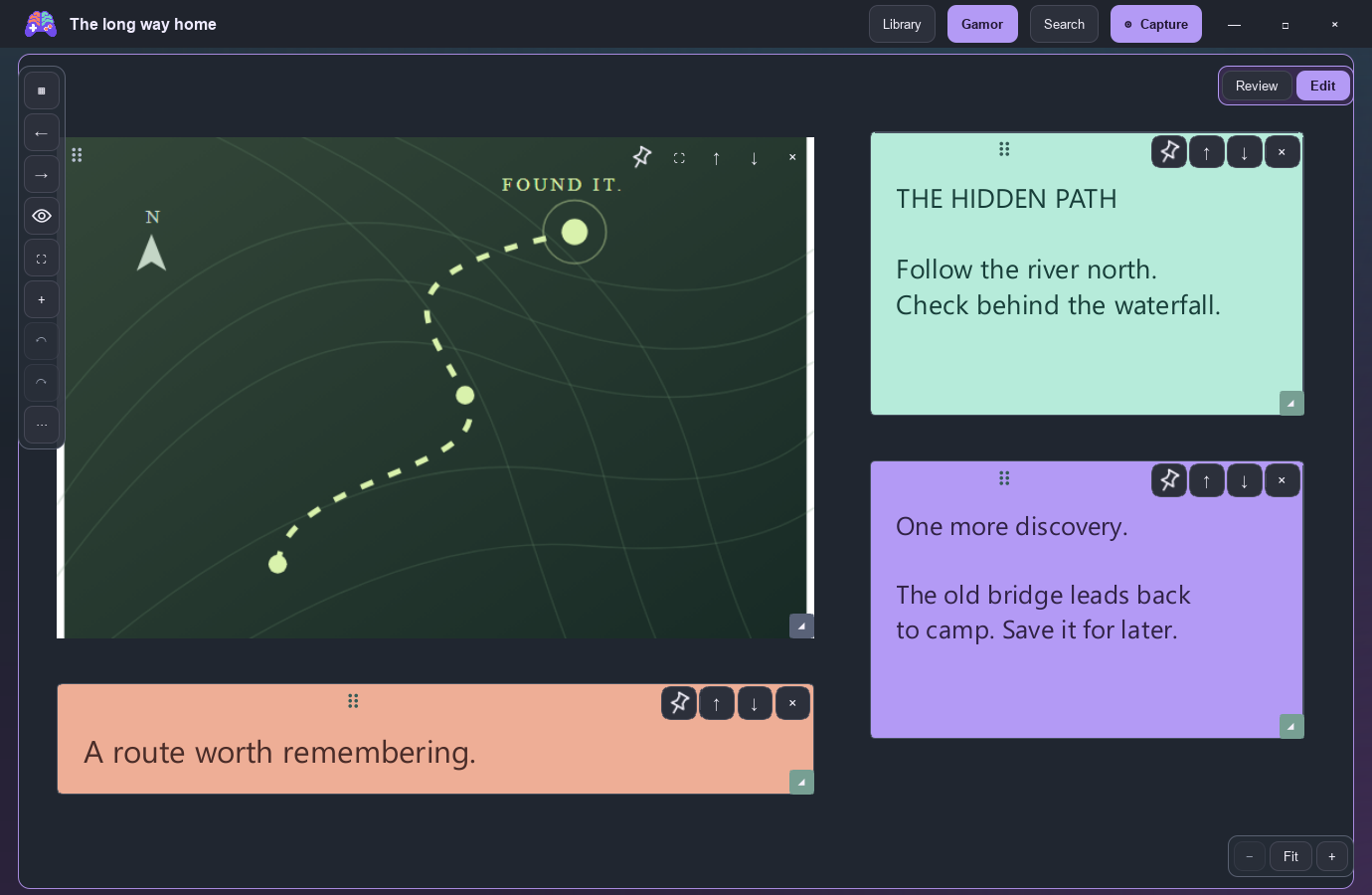
Make it your own.
A board for a boss strategy. A folder for a world. A note for that one thing you always forget.
Find your way back.
Search your notes and titles. Screenshot text search is available with OCR access, processed on your PC.
A home on your PC.
Your screenshots and boards are stored locally. Installing an update keeps your existing library.
NEXT SESSION, BRING YOUR MEMORIES.
Your adventure.
Your Gamory.
A proper installer. A place in your Start menu.
Verified updates when you're ready.
Windows 10 / 11 · 64-bit
A Gamory account is required.
Some features require subscription access.
Verify your download
GOOD TO KNOW
A few things
before you go.
What exactly is a Gamor?
A Gamor is a visual board. Collect screenshots, maps, sticky notes, and drawings in one place, then organize your boards by game and folder.
Where does my library live?
On your computer. Your boards, notes, and screenshot files are stored locally. Account sign-in and subscription checks use the Gamory backend; your boards are not uploaded by those checks. Back up your library folder to keep another copy.
How do updates work?
The Windows app can check for updates in the background. You decide when to install. Updates are checked for authenticity before installation, and your library is kept. You can manage update checks in Settings.
Can I use it while gaming?
Gamory includes capture shortcuts and an overlay. Support depends on your game and display mode. Borderless or windowed mode gives the most reliable experience; some games and exclusive fullscreen modes restrict overlays.
Is it available for Mac or Linux?
The downloadable installer currently targets 64-bit Windows. Other platforms do not have a public installer here yet.